




• Identify and resolve printing errors, paper jams, connectivity issues, and performance problems.
• Fix nozzle clogs, print head issues, and cartridge alignment problems for consistent print quality.
• Repair or replace laser components, toner issues, fuser units, and drum problems for high-speed printing.
• Service ribbon, platen, and mechanical parts to restore printing reliability for legacy systems.
• Repair thermal, receipt, and label printers used in point-of-sale systems for businesses.
• Replace and refill cartridges or toner with high-quality supplies for optimal output.
• Resolve printer network setup issues, wireless printing problems, and connectivity errors.
• Regular cleaning, lubrication, and servicing to extend printer lifespan and prevent breakdowns.
• Replace damaged rollers, belts, fusers, motors, or sensors to restore printer functionality.
• Install or update printer drivers, software, and firmware for seamless operation.


• Assess your property to design a customized surveillance system that meets security needs.
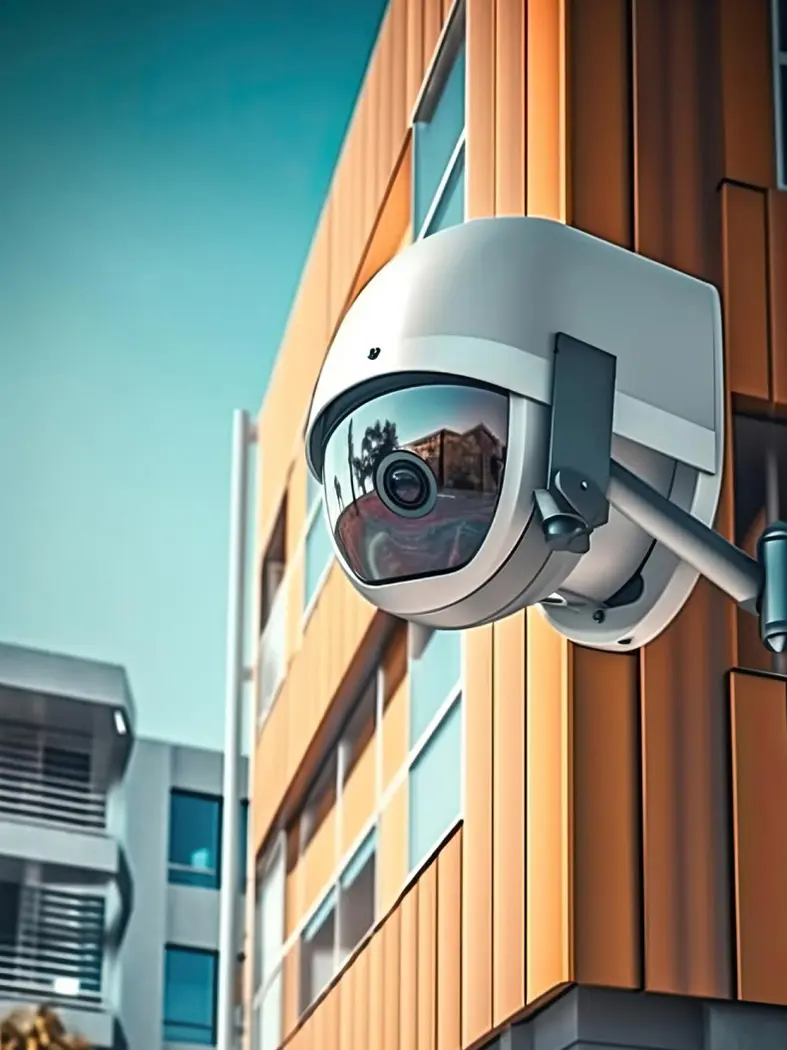
• Install CCTV cameras (analog, IP, PTZ, dome, bullet, and wireless) at optimal locations for maximum coverage.
• Configure Digital Video Recorders (DVRs) and Network Video Recorders (NVRs) for reliable recording and storage.
• Enable remote access via smartphones, tablets, or computers for real-time surveillance from anywhere.
• Integrate CCTV with alarm systems, access control, and smart home/business security solutions.
• Professional installation of cables, connectors, and power supplies for a neat and durable setup.
• Configure motion detection, notifications, and alerts to enhance property security.
• Routine maintenance, firmware updates, and camera adjustments for long-term reliability.
• Diagnose and fix issues with cameras, DVR/NVR, wiring, or network connectivity.
• Tailor surveillance systems for homes, offices, retail stores, warehouses, and industrial properties.
Our team has extensive experience in designing and deploying CCTV survelliance systems.
We use only industrial standared and reliable CCTV solutions to our all customers.
Our focus on quality and customer satisfaction ensures a positive experience and effective security outcomes.
Copyright © 2025 SUN-SYS COMPUTER AND PRINTER REPAIR SERVICES LTD.