



Desktop & Laptop Repairs (All Brands, Including MacBooks)

  • Home
  • Services
  • Desktop & Laptop Repairs (All Brands, Including MacBooks)
images images

Description

service img
service img
service img
  • Hardware Diagnostics & Troubleshooting

    • Complete system check to identify performance issues, hardware failures, or component malfunctions.
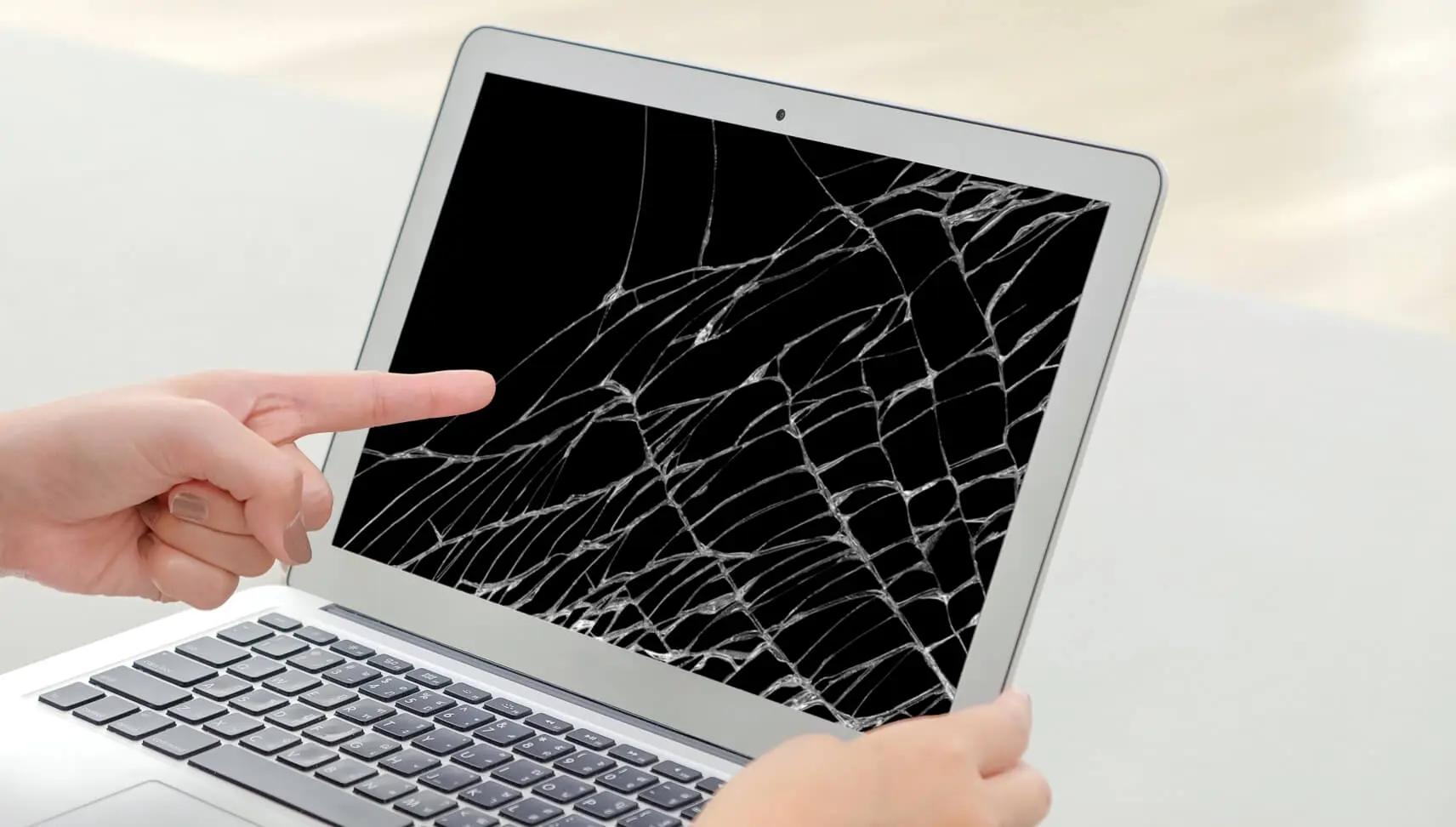
  • Screen Repair & Replacement

    • Fix broken, cracked, flickering, or dead display panels for all laptop and MacBook models.
  • Keyboard, Trackpad & Input Repairs

    • Repair or replace faulty keyboards, stuck keys, unresponsive trackpads, and mouse issues.
  • Battery & Power-Related Repairs

    • Replace worn-out batteries and address power supply, charging port, and adapter problems.
  • RAM & Storage Upgrades

    • Boost performance with RAM upgrades and upgrade/replace HDD or SSD drives for faster speed and reliability.
  • Motherboard / Logic Board Repairs

    • Diagnose and repair motherboard or logic board issues, including GPU and chipset failures.
  • Fan, Cooling & Overheating Repairs

    • Clean or replace cooling fans, apply thermal paste, and fix overheating problems.
  • Software Troubleshooting & OS Installation

    • Fix software crashes, reinstall Windows/macOS, remove malware, and optimize system performance.
  • Data Recovery & Backup Services

    • Recover lost files, backup important data, and transfer data securely to new devices or drives.
  • Virus & Malware Removal

    • Deep scan and removal of viruses, ransomware, spyware, and unwanted programs.
  • Liquid Damage Repair

    • Professional cleaning, diagnostics, and component-level repair for devices affected by spills.
  • Peripheral & Port Repairs

    • Repair USB ports, HDMI ports, audio jacks, Wi-Fi issues, webcam problems, and speaker faults.
images
images
  • Charging Port Repair:

    Repair faulty charging ports or MagSafe connectors for proper charging.

  • RAM (Memory) Upgrade/Replacement:

    Enhance performance by upgrading or replacing RAM modules.

  • Hard Drive/SSD Replacement or Upgrade:

    Improve storage capacity and speed by replacing or upgrading hard drives or SSDs.

  • Logic Board Repair:

    Address issues with integrated components, GPU problems, or logic board malfunctions.

  • Software Issues and OS Installation:

    Resolve software problems, reinstall macOS, and troubleshoot application issues.

  • Fan and Cooling System Repair:

    Prevent overheating by cleaning or replacing internal fans and the cooling system.

  • Speaker and Audio Jack Repair:

    Fix distorted sound or audio issues by repairing or replacing speakers or audio jacks.

  • Liquid Damage Repair:

    Diagnose and repair problems caused by liquid spills for proper functionality.

  • Always rely on authorized Apple technicians or reputable repair centers for MacBook Pro repairs to ensure quality and warranty adherence.

Lets Fix Your Devices!

GET A SCHEDULE